1 | npm install hexo-asset-img --save |
configure Typora like this:
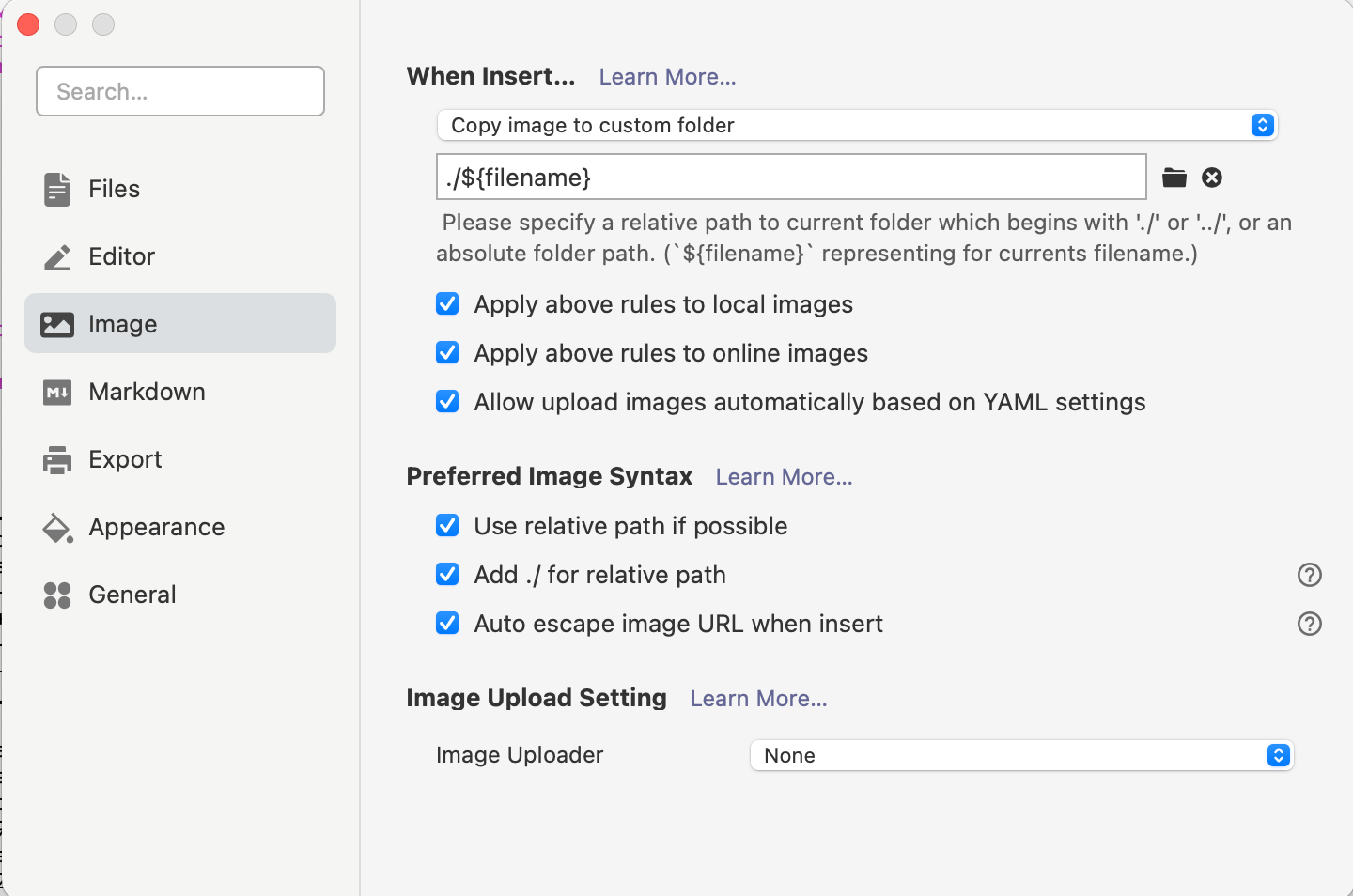
edit _config.yml:
1 | post_asset_folder: true |
edit scaffolds/post.md, add a line:
1 | typora-root-url: {{ title }} |
Then, you can edit blogs in Typora and review them just as you see. The link of image file is like this:
1 |  |